How do I set up service points (desks)?
Last updated July 3, 2026
Service points are the desks and roles you schedule people onto — Circulation, Info Desk, Shelving, Children's, the Bookmobile, and so on. You can start from a preset set or build your own.
- Go to Settings → Service points.
- Add a service point with a name, category, and color.
- Assign it to one or more locations, and set requires coverage with a minimum number of staff if it needs to be staffed.
Tip
Group related desks into departments (optional) so staff can filter the schedule to just their area and save it as their default view.
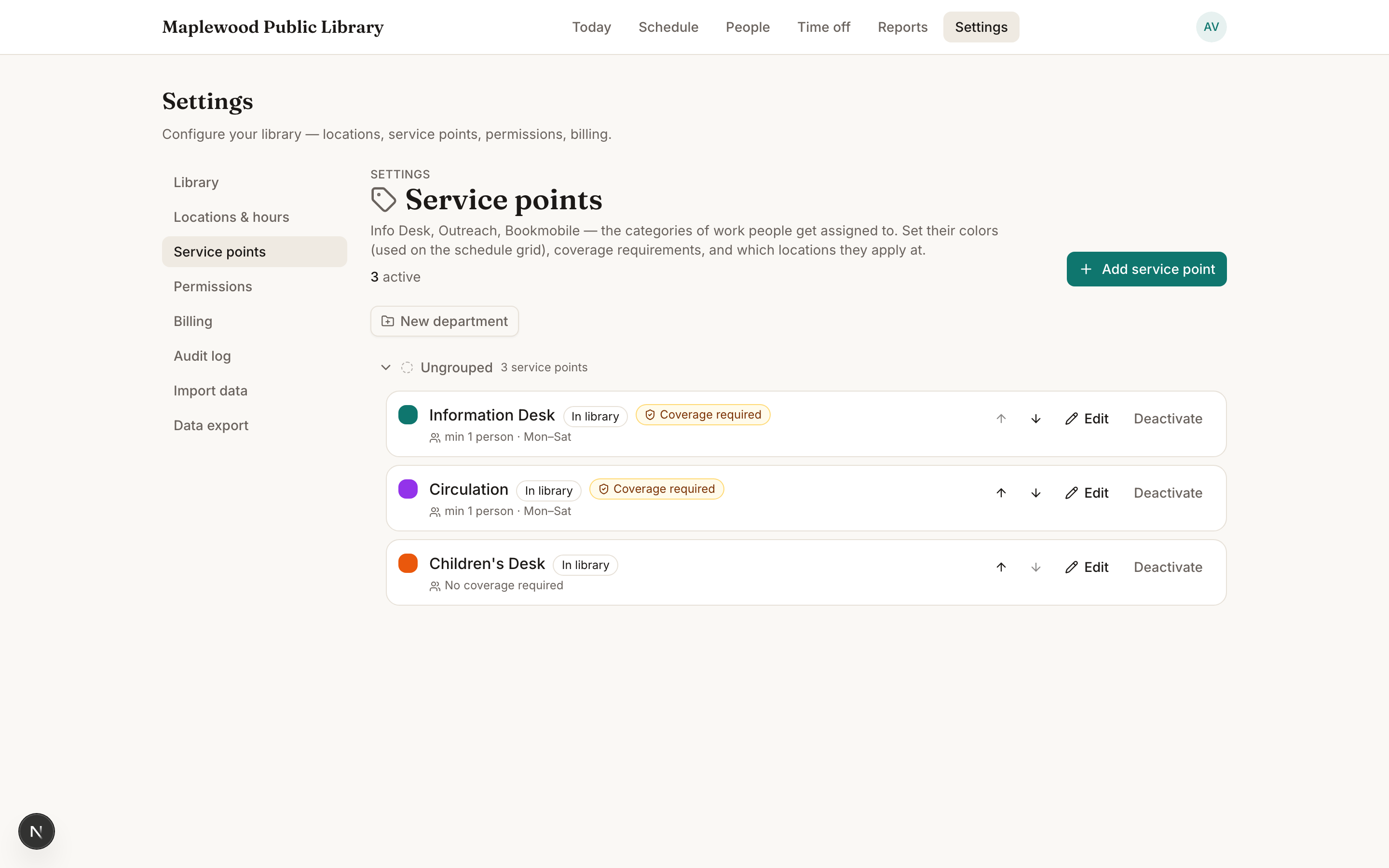
The requires coverage setting is what powers the green/amber/red coverage chips — without it, Stacks doesn't know a desk needs staffing.
Was this helpful?