How do I set up a recurring shift?
Last updated July 3, 2026
If someone works the same shift regularly, set it up once as a recurring shift instead of adding each day by hand.
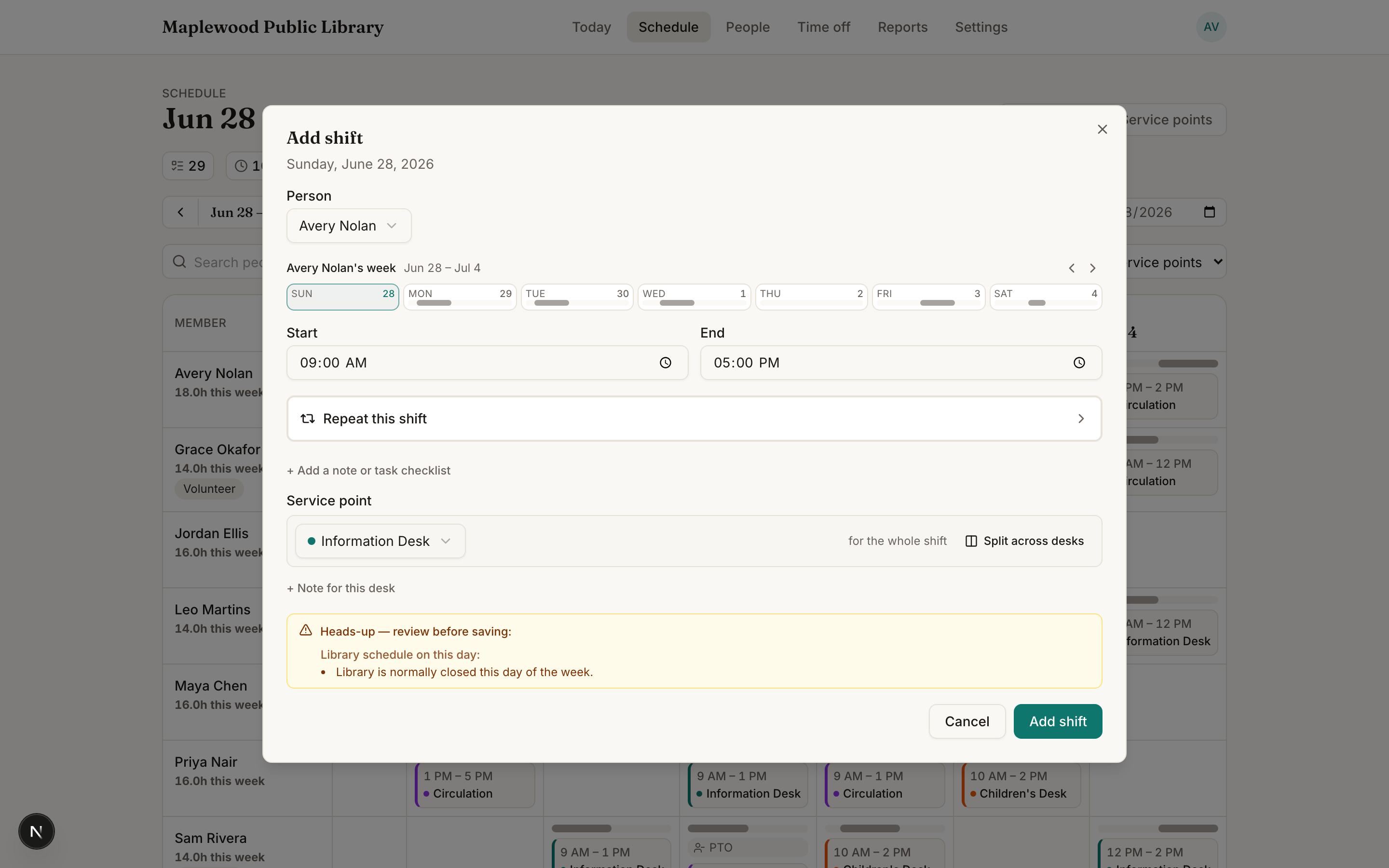
- Start a new shift on the Schedule as usual.
- Choose a repeat pattern — for example every week, Mon–Fri, or a custom schedule.
- Save. Stacks creates the whole series going forward.
Tip
Editing one occurrence? Stacks asks whether the change applies to just this shift or all future ones — so you can make a one-week exception without disturbing the pattern.
Changing your mind later
You can reassign all future occurrences to a different person, or revert a one-off exception back to the series, from the shift itself.
Was this helpful?