Set up your library in 15 minutes
Last updated July 3, 2026
When you create a Stacks account, a guided setup walks you through everything you need to build your first schedule. You can finish it in about 15 minutes, and you can leave and pick up where you left off at any time.
- Name your library and confirm your time zone.
- Add your locations (branches). Most single-branch libraries just confirm the one.
- Set your open hours for each day. Start from a preset like typical library hours and adjust.
- Add service points — your desks and roles, like Circulation, Info Desk, or Shelving. Pick from the starter set or add your own.
- Add your people — staff and volunteers. Paste a whole list at once, or add them one at a time.
- Send invites so your team can log in.
Tip
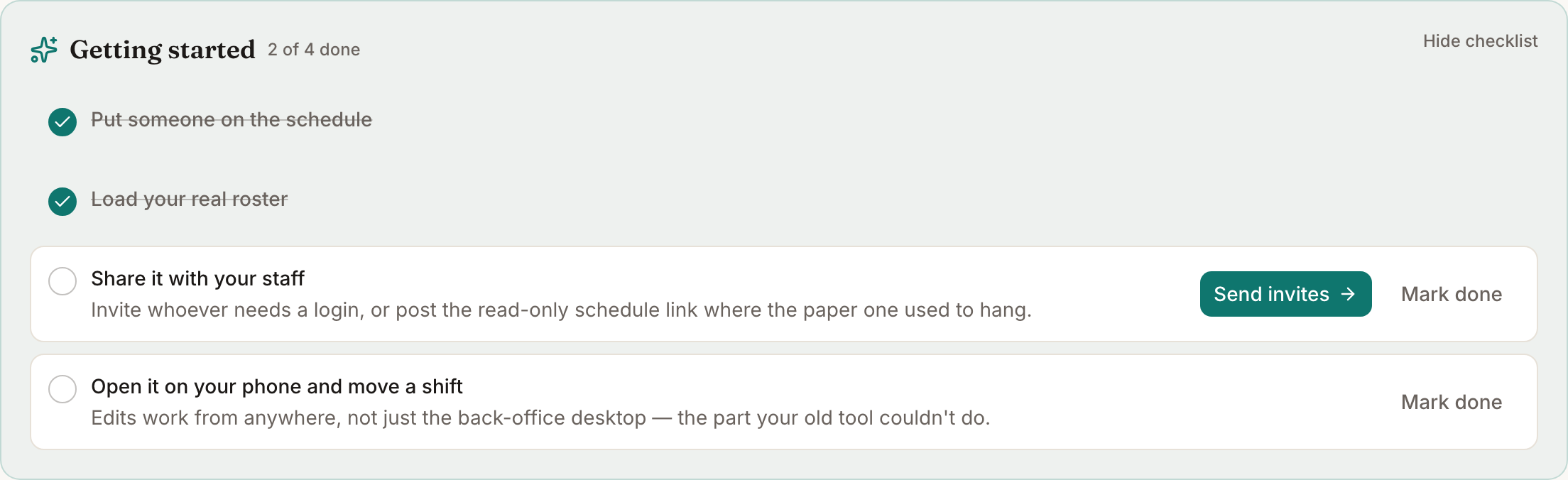
Closed the tab partway through? No problem — sign back in and you'll land on the Getting started checklist, which remembers what's left.
What happens after setup
Once you finish, you land on the Today board. It'll look quiet until you add shifts — head to the Schedule to create your first one. The Getting started checklist stays available until you've done the core tasks, so nothing gets lost.
Do I have to do it all at once?
No. Every step is editable later under Settings. It's fine to add one branch and a few people now, start scheduling, and flesh out the rest as you go.